Q&A with full platform knowledge
Full RAG access to Etlworks documentation and the website. Ask anything: “how do I configure CDC for PostgreSQL?”, and get a real answer, not a keyword-search result dressed up as AI.
Simba · the Etlworks AI agent
Simba is the agent built into Etlworks. Tell it what you’re trying to do: “load Stripe charges into Snowflake daily,” “sync Salesforce contacts to HubSpot”, and it builds the flow. You stay in control; Simba does the typing.
The hard part
Most data integration tools require knowing the platform’s vocabulary before you can build anything. Which flow type? What template? Which connector? How does mapping work? That’s a learning curve before you ship anything.
Seven things Simba can do today. Most of them are about turning English into working data pipelines: the rest are about answering questions about the platform and the data inside it.
Full RAG access to Etlworks documentation and the website. Ask anything: “how do I configure CDC for PostgreSQL?”, and get a real answer, not a keyword-search result dressed up as AI.
JavaScript, Python, SQL (multiple dialects), and the Etlworks CLI. Simba knows whether you’re in a code editor, SQL editor, or CLI console, and writes in the right language and dialect. Hundreds of built-in transformation functions on tap.
“Load Stripe charges into Snowflake daily, dedupe on charge_id.” Source, destination, mapping, and schedule get assembled from that sentence and held for approval before anything runs. In Composer you watch the canvas build. From chat or an MCP client there is no canvas, and the flow that comes out is the same.
For HTTP APIs, Simba searches the web for the API’s documentation and configures the connection automatically: endpoints, methods, headers, auth, pagination. “Create a connection to the PayPal endpoint that returns stored payment methods”, and it does.
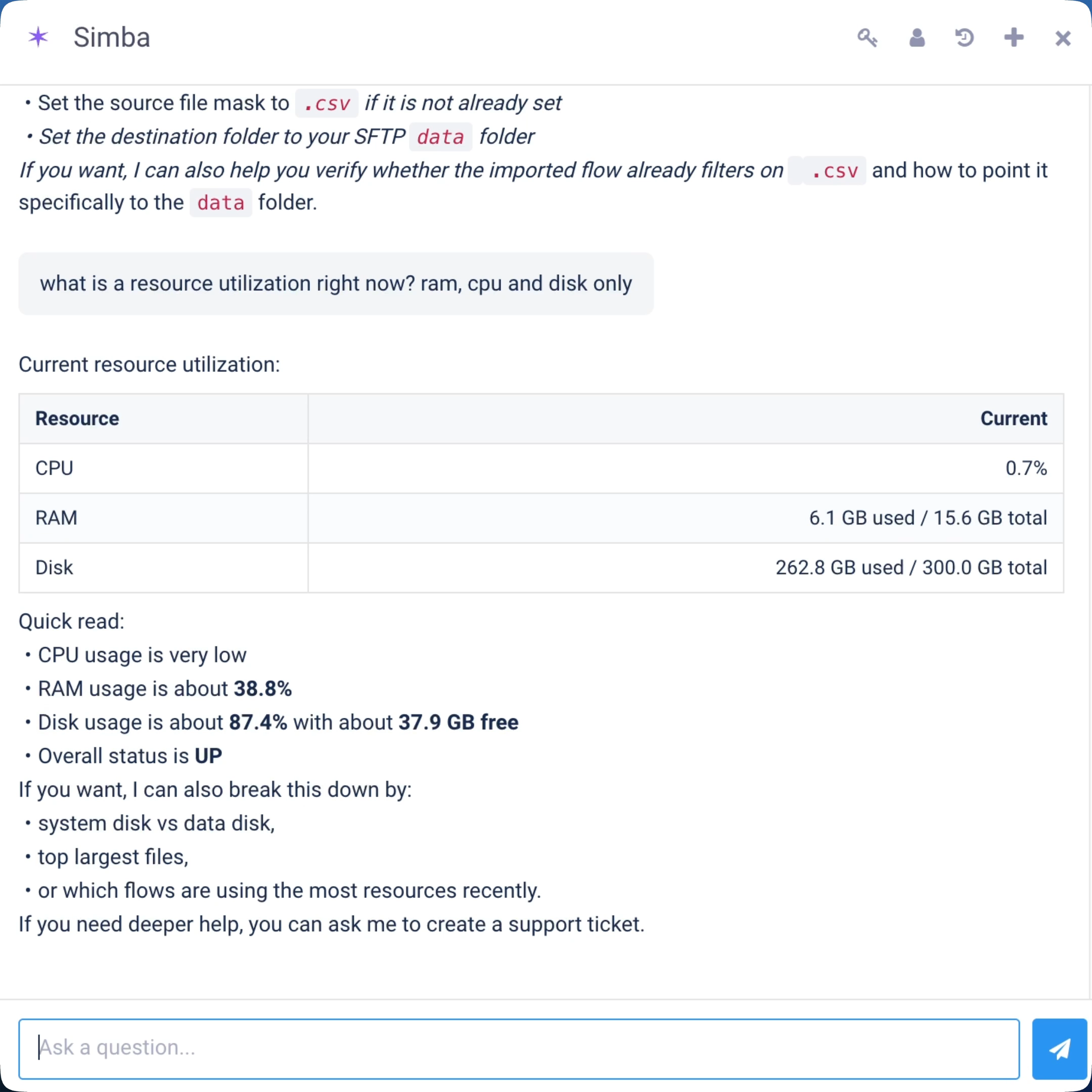
System health, flow stats, log inspection, error diagnosis, metadata search, metadata updates. Show Simba a failing flow; it reads the run log, finds the cause (schema drift, auth expiry), proposes a fix, and applies it on approval.
Content-aware and location-aware. Knows the columns in the mapping, in the source, and in the destination. Knows the SQL dialect and the language you’re working in. Helps you where you are, not where it wishes you were.
Sees tables, views, endpoints, columns, datasets. Samples data and runs SQL on its own to answer your questions, no copy-pasting between tabs, no context-switching to a separate query tool.
Same agent, four surfaces. Pick whichever fits the moment.
In the product
Chat with Simba while building flows on the canvas, and watch the canvas update live as you describe what you want. Drop two connections and ask Simba to wire them, or describe the whole pipeline and have it built in front of you. The default way most teams use Simba.
See ComposerConversational
Describe a pipeline and Simba builds it. Describe a change and it edits. “Add a daily summary email.” “Filter out test rows before loading.” “Run this only on weekdays.” You see what changed before it applies.
Watch a demoProgrammatic
Drive Simba from your own AI stack. REST API, Python and Bash clients. Use as a subagent in LangChain, CrewAI, or AutoGen. Streaming, multi-turn sessions, direct tool access.
Read the API docsThrough MCP
Use Simba from inside Cursor, Claude Desktop, ChatGPT, or any MCP-compliant client. Point it at the Etlworks MCP endpoint and the tools appear, so you can build and change flows from the editor you are already in.
Set up MCPSimba is good at most of this, and deliberately leaves a few things to you.
Simba is good at
Simba isn’t trying to
Simba runs on the same Etlworks infrastructure your flows do. Same data isolation, same SOC 2 controls, same retention policies.
We use frontier LLMs from major providers under enterprise agreements that prohibit training on customer data. When you bring your own OpenAI key, your data flows through your provider relationship under your own terms: Etlworks doesn’t sit in the middle. When using the Etlworks-managed wallet, your conversations aren’t shared across customers and aren’t used for training.
The agent is enabled per organization: all-or-nothing, no partial agents. Inside an organization, role-based access controls determine which users can do which things; the agent operates as the calling user, never above their permissions. (Some tools, like web search, have additional internal restrictions managed by Etlworks.)
Simba shows you what it’s about to do before applying. Every flow change, every config edit, every credential update: you approve. Optional auto-apply for low-risk operations.
Every Simba action is logged: who asked, what it built, what changed, when. Available alongside human-driven changes. Connection credentials and secrets never leave the runtime: the agent references them by name but never receives raw values.
See security detailsNo. Composer supports drag-and-drop, code, and CLI building without Simba ever entering the picture. Simba is opt-in. Most teams use it for the parts they don’t already know how to build, and skip it for the parts they do.
Etlworks runs Simba on the latest frontier OpenAI models — we pick and update them as new ones ship. Whether you bring your own key (BYOK) or use the Etlworks-managed wallet, you don’t choose the model; you always get the current best.
The intelligence sits in the toolchain wrapped around the model: knowledge base search, template lookup, schema introspection, CLI execution, and flow validation. The model handles language; the toolchain handles the platform-specific work.
Yes. The Agent API exposes Simba as a REST endpoint with Python, Bash, and PowerShell clients. Use it as a subagent in LangChain, CrewAI, AutoGen, or any orchestration framework. Etlworks also ships a native MCP server, so you can use Simba from Cursor, Claude Desktop, ChatGPT, or any MCP-compliant client without writing any code. Full developer docs MCP setup
Yes. Simba ships with every Etlworks deployment — cloud, hybrid, and on-premise. For air-gapped on-prem environments, the language model can be configured to use a self-hosted inference endpoint instead of a hosted provider.
Generic assistants don’t have access to your Etlworks platform. Simba does. It can read your existing flows, search 3,979 templates, inspect schemas in your connected systems, run CLI commands, and apply changes — all inside the Etlworks platform with your permissions and audit trail intact. A generic assistant can write you SQL; Simba can ship you a working pipeline.
Maia and CLAIRE are real efforts at agentic ETL. Differences: (1) Etlworks’s agent is exposed as a subagent for your own AI stack via REST API — Maia and CLAIRE are platform-internal. (2) Simba can build connections to HTTP APIs it’s never seen by reading their docs from the web — endpoints, auth, pagination, headers. (3) Etlworks ships AI features outside the agent too — auto-mapping, in-app search, prompt-driven insights — covered on our AI overview page. (4) BYOK is supported: bring your own OpenAI key and pay nothing to Etlworks for inference.
Most teams bring their own OpenAI API key — Simba uses it directly, and you pay your AI provider, not Etlworks. Configure once per organization, or per user if you want individual billing. There’s no Etlworks markup or middleware fee on the AI usage.
If you’d rather not manage your own provider relationship, Etlworks offers an AI wallet with auto-recharge: fund it once, set a monthly cap and a low-balance recharge trigger (the same model OpenAI uses directly). Wallet usage is billed at-cost.
Every plan also includes a small monthly Simba allowance for trying things out without configuring either option. See pricing
The 14-day trial is the whole platform, Simba credits included. Build your first flow by describing what you need. No credit card.